
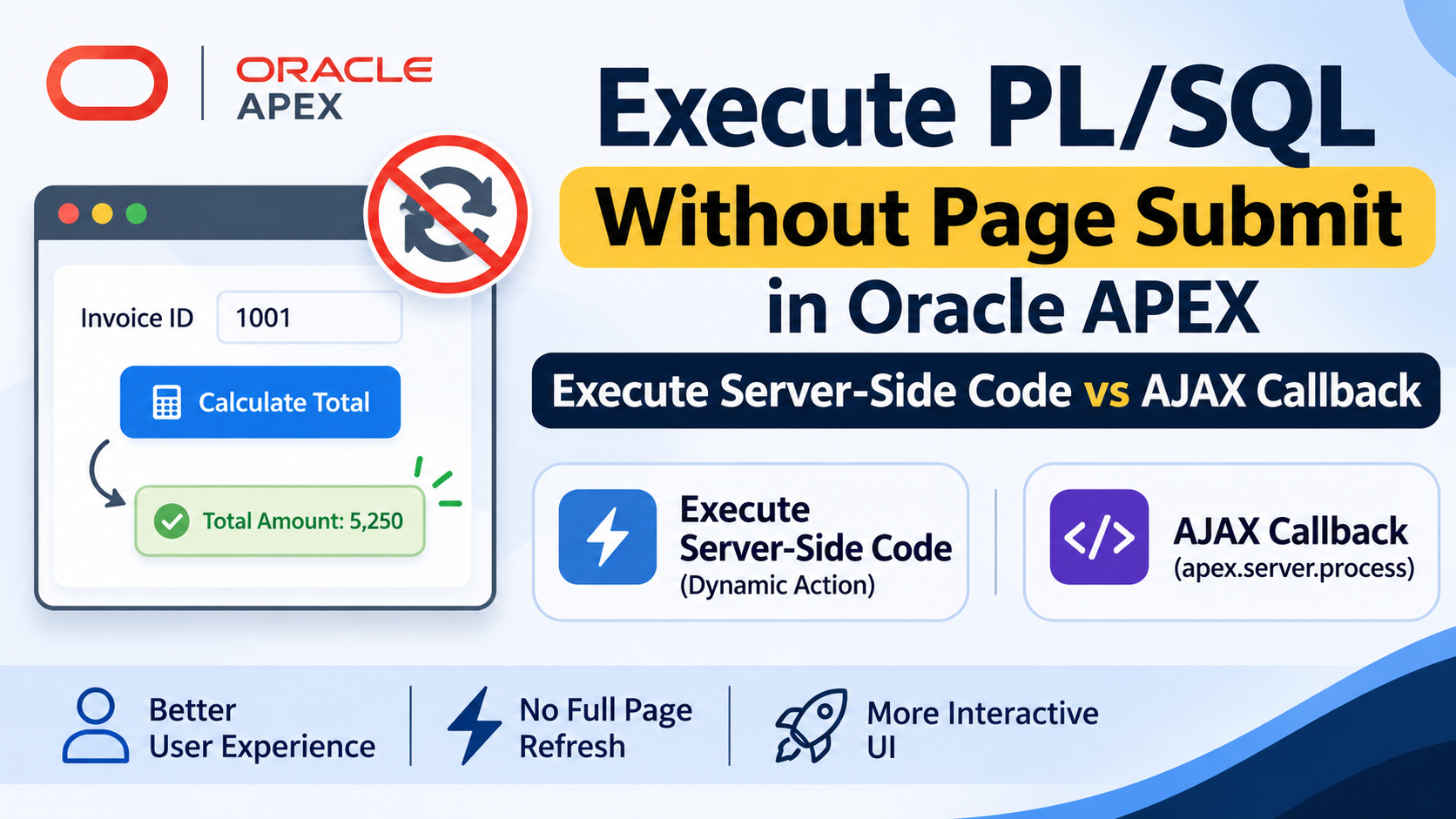
Execute PL/SQL Without Page Submit in Oracle APEX: Execute Server-Side Code vs AJAX Callback
Why Execute PL/SQL Without Page Submit?
When a user is filling out an invoice form. They select a customer, enter invoice details, and click a button to calculate the total amount.
We really do need to submit and reload the entire page just to calculate one value.
In Oracle APEX applications, page process executes when a page is submitted. While this works, unnecessary page submissions can affect the user experience.
Common UI challenges with traditional page submission:
1. The entire page goes through the submit and rendering lifecycle.
2. Users may experience a visible page refresh or flicker.
3. The current interaction can be interrupted.
4. Unnecessary page rendering can add overhead.
5. Building a smooth, interactive application becomes more difficult.
For small operations such as calculations, validations, fetching database values, or checking records, submitting the entire page is not necessary.
This is where Ajax processing becomes useful.
Oracle APEX provides two approaches:
1. Execute Server-Side Code using Dynamic Actions.
2. AJAX Callback using "apex.server.process()".
Both allow developers to execute PL/SQL on the database without a traditional page submit.
1. Execute Server-Side Code
Execute Server-Side Code is a True Action available under Dynamic Actions.
It allows developers to execute PL/SQL directly without creating a separate Ajax Callback process.
Calculate Invoice Amount:
BEGIN
SELECT SUM(AMOUNT)INTO :P10_TOTAL_AMOUNTFROM INVOICE_DETAILSWHERE INVOICE_ID = :P10_INVOICE_ID;
END;
Configuration:
Create a Dynamic Action on button click.
Select Execute Server-Side Code.
Add the PL/SQL code.
Items to Submit: P10_INVOICE_ID
Items to Return: P10_TOTAL_AMOUNT
When the user clicks the button,
the PL/SQL executes and updates the required page item without a full page refresh.
2. AJAX Callback
AJAX Callback allows developers to create a separate server-side process and invoke it using JavaScript.
Step 1: Create an AJAX Callback
Navigate to Page Designer → Processing → Ajax Callback.
Create a process named "GET_INVOICE_AMOUNT".
Add the following PL/SQL:
DECLAREL_AMOUNT NUMBER;
BEGINSELECT SUM(AMOUNT)INTO L_AMOUNTFROM INVOICE_DETAILSWHERE INVOICE_ID = :P10_INVOICE_ID;
APEX_JSON.OPEN_OBJECT;APEX_JSON.WRITE('total_amount', L_AMOUNT);APEX_JSON.CLOSE_OBJECT;
END;
Step 2: Call AJAX Callback Using JavaScript
apex.server.process("GET_INVOICE_AMOUNT",{pageItems: "#P10_INVOICE_ID"},{dataType: "json",success: function(data) {$s("P10_TOTAL_AMOUNT", data.total_amount)},
error: function() {
apex.message.alert("Unable to calculate amount.");}});
The Ajax Callback executes the PL/SQL and returns the calculated amount as JSON. JavaScript updates the page item without refreshing the entire page.
3. Execute Server-Side Code vs AJAX Callback
Execute Server-Side Code is faster to set up. It is built inside a Dynamic Action and no JavaScript is needed. Pick page items in the Items to Submit and Items to Return. It is ideal for quick calculations or updating one or two fields.
AJAX Callback is more complex, we have to create a ajax callback and trigger it using apex.server.process(). You also need to pass items manually with pageItems and handle the JSON response in JavaScript. Even though it requires more code, it gives you full control when you need to return multiple values, handle custom errors, or reuse the same server logic in different places.
When Should You Use Each?
Execute Server-Side Code:
Simple PL/SQL execution.
Calculating invoice totals.
Validating customer information.
Updating page item values.
AJAX Callback:
Returning custom JSON responses.
Handling complex JavaScript interactions.
Reusing server-side operations.
Building interactive UI components.
Conclusion
In Oracle APEX, not every database operation requires a complete page submission.
For operations that need only a small server-side calculation or validation.
Execute Server-Side Code is convenient for straightforward operations, while AJAX Callback offers more flexibility and control through JavaScript.
About the author
- I am an Oracle APEX Developer with 2+ years of experience in building interactive, user-friendly, and scalable web applications. I work primarily with Oracle APEX, SQL, and PL/SQL, along with HTML and CSS to create responsive and efficient application interfaces. I enjoy solving business problems through technology and continuously learning new features and best practices in the Oracle ecosystem.
Comments
Join the discussionNo comments yet. Be the first to comment.