
Oracle APEX Session State: Complete Guide with Practical PL/SQL Examples
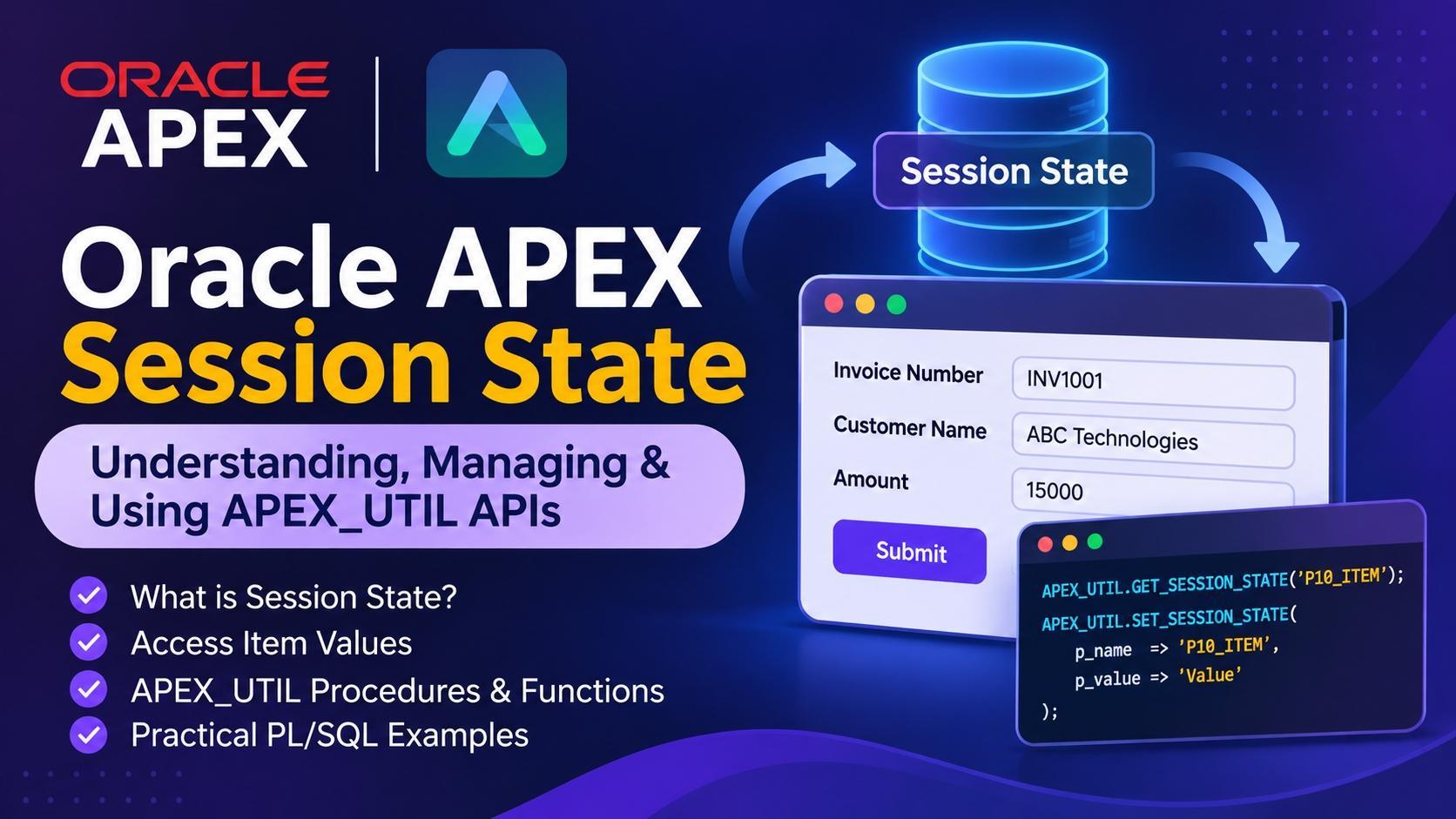
Session State is important concepts in Oracle APEX development. It allows developers to store, retrieve, and manage page item values throughout an application's session.
Whenever a user enters a value into an APEX page item and submits the page, Oracle APEX can store that value in Session State. Developers can then access the stored value from SQL queries, PL/SQL processes and dynamic application logic.
In this blog, we will understand how Session State works, how to access item values, and how to use the APEX_UTIL package to manage Session State.
What is Session State in Oracle APEX?
Session State is a mechanism that maintains the values of application items for a particular APEX session.
For example, consider an invoice application with the following page items: P10_INVOICE_NUMBER, P10_CUSTOMER_NAME, P10_INVOICE_AMOUNT
When a user enters invoice details and submits the page, APEX stores the submitted item values in Session State. These values can be used later during the same session without the user to enter them again.
Example:
Suppose the user enters:
P10_INVOICE_NUMBER = INV100
P10_CUSTOMER_NAME = ABC Technologies
P10_INVOICE_AMOUNT = 15000
These values become available through Session State after they are submitted.
How Does Session State Work?
The basic flow of Session State is:
User opens an APEX application.
APEX creates or resumes the user's application session.
User enters values into page items.
When the page is submitted, APEX processes the submitted values. The values are stored in Session State.
Different Ways to Access Session State:
Oracle APEX provides multiple ways to retrieve Session State values.
Method 1: Using Bind Variables.
The simplest way to access a page item's Session State in SQL or PL/SQL is by using bind variable syntax.
Example:SELECT *\ FROM ARC_APEX_INVOICE_HDR\ WHERE INVOICE_NUMBER = :P10_INVOICE_NUMBER;
Here, :P10_INVOICE_NUMBER retrieves the value stored in Session State.
Method 2: Using V() Function.
Oracle APEX provides the V() shorthand function to retrieve Session State values.
Example:SELECT V('P10_INVOICE_NUMBER')\ FROM DUAL;
This returns the current Session State value of the specified item.
Method 3: Using APEX_UTIL.GET_SESSION_STATE.
The APEX_UTIL.GET_SESSION_STATE function retrieves the value of an item from the current APEX session.
Syntax:APEX_UTIL.GET_SESSION_STATE( p_item IN VARCHAR2 )\ RETURN VARCHAR2;
Example:DECLARE L_INVOICE_NUMBER VARCHAR2(100);\ BEGIN L_INVOICE_NUMBER := APEX_UTIL.GET_SESSION_STATE( 'P10_INVOICE_NUMBER' );\ DBMS_OUTPUT.PUT_LINE(L_INVOICE_NUMBER);\ END;
This method is useful when you need to retrieve page item values dynamically inside PL/SQL code.
APEX_UTIL Package for Session State Management:
Oracle APEX provides the APEX_UTIL package, which contains procedures and functions for working with application functionality, including Session State management.
GET_SESSION_STATE:
Used to retrieve the value of an item from the current APEX session.
Example:DECLARE L_CUSTOMER_NAME VARCHAR2(200);\ BEGIN L_CUSTOMER_NAME := APEX_UTIL.GET_SESSION_STATE( 'P10_CUSTOMER_NAME' );\ END;
Use case: Retrieve customer information from a page item inside a PL/SQL process.
SET_SESSION_STATE:
Used to set or update an item's Session State value.
Syntax:APEX_UTIL.SET_SESSION_STATE( p_name IN VARCHAR2,\ p_value IN VARCHAR2,\ p_commit IN BOOLEAN DEFAULT TRUE );
Example:BEGIN APEX_UTIL.SET_SESSION_STATE( p_name => 'P10_CUSTOMER_NAME', p_value => 'ABC Technologies' );\ END;
After execution, the Session State value of P10_CUSTOMER_NAME is updated. Practical use case:
Suppose you want to populate a page item dynamically after retrieving customer information from a database.DECLARE L_CUSTOMER_NAME VARCHAR2(200);\ BEGIN\ SELECT CUSTOMER_NAME\ INTO L_CUSTOMER_NAME\ FROM ARC_CUSTOMER_MASTER\ WHERE CUSTOMER_NUMBER = 'C1001';
APEX_UTIL.SET_SESSION_STATE( 'P10_CUSTOMER_NAME', L_CUSTOMER_NAME );\ END;
Now the item's Session State contains the retrieved customer name. Note: Setting Session State does not automatically refresh the browser's displayed item value. Use an appropriate page refresh or JavaScript assignment when the visible page value also needs updating.
CLEAR_PAGE_CACHE:
Used to clear the Session State associated with a particular page in the current application session.
Example:BEGIN APEX_UTIL.CLEAR_PAGE_CACHE( p_page => 10 );\ END;
This clears the cached page state for page 10.
Use case: When navigating back to a page, you may want to remove previously stored filter or form values.
CLEAR_APP_CACHE:
Used to clear Session State for a specified application in the current session. Example:BEGIN APEX_UTIL.CLEAR_APP_CACHE( p_app_id => 100 );\ END;
This clears the application's Session State for the current session.
CLEAR_USER_CACHE:
Used to clear Session State and application system preferences for the current user's session.
Example:BEGIN APEX_UTIL.CLEAR_USER_CACHE;\ END;
This is useful when an application needs to reset the current user's session state and preferences.
Practical Example:
Passing Values Between Pages.
Let's understand a real-world scenario. Suppose you have an invoice report on Page 10. When the user clicks an invoice number, you want to open Page 20 and display the selected invoice details.
Step 1: Create a page item On Page 20, create: P20_INVOICE_NUMBER
Step 2: Set the item value You can pass the invoice number using the target page URL or a branch.
For example, using a PL/SQL process:BEGIN APEX_UTIL.SET_SESSION_STATE( 'P20_INVOICE_NUMBER', 'INV1001' );END;
Step 3: Retrieve invoice details On Page 20,
use:SELECT *\ FROM ARC_APEX_INVOICE_HDR\ WHERE INVOICE_NUMBER = :P20_INVOICE_NUMBER;
The report or form can now display the selected invoice details. For navigation between pages, ensure that the target item value is passed through a supported APEX navigation mechanism and that the session state is available when the target page renders.
Session State vs Browser Item Value:
One important concept for APEX developers is understanding the difference between a browser-side item value and its server-side Session State value.
Example:
JavaScript:var invoiceNumber = $v("P10_INVOICE_NUMBER");
This retrieves the current browser-side value.
PL/SQL:DECLARE L_INVOICE_NUMBER VARCHAR2(100);\ BEGIN L_INVOICE_NUMBER := APEX_UTIL.GET_SESSION_STATE( 'P10_INVOICE_NUMBER' );\ END;
This retrieves the server-side Session State value.
Note: Changing an item using JavaScript does not automatically update its server-side Session State. You must submit the item or explicitly send its value to the server through an appropriate APEX mechanism.
Common Mistakes While Working with Session State:
Here are some common issues developers encounter\
- Accessing an item before submitting the page:
If an item is changed in the browser but not submitted or sent to the server, PL/SQL may retrieve an older Session State value.\ - Forgetting to include items in AJAX requests: When using Dynamic Actions or AJAX callbacks, make sure the required page items are included in the Items to Submit attribute.\
- Assuming SET_SESSION_STATE updates the browser: APEX_UTIL.SET_SESSION_STATE updates server-side Session State. It does not automatically update the visible browser item.\
- Using the wrong page item name: Always verify the exact item name, including its page number and spelling.\
- Not clearing old values:
Old Session State values can sometimes affect page behavior, particularly when reusing pages for different operations. Use appropriate page cache clearing or explicitly reset the required items.
Best Practices:\ - Use bind variables whenever possible in SQL and PL/SQL.\
- Use APEX_UTIL.GET_SESSION_STATE when dynamic item-name retrieval is required.\
- Use APEX_UTIL.GET_NUMERIC_SESSION_STATE for numeric values.\
- Use APEX_UTIL.SET_SESSION_STATE when you need to update Session State programmatically.\
- Include required items in AJAX requests.\
- Clear unnecessary values when starting a new transaction or workflow. 7) Never use Session State as a replacement for proper database storage.\
- Do not rely on Session State alone for authorization or security checks.
Conclusion:
Session State is a fundamental part of Oracle APEX development. Understanding how it works helps developers build dynamic applications, pass information between pages, manage form values, and implement efficient PL/SQL processes. The APEX_UTIL package makes Session State management easier by providing useful functions and procedures such as GET_SESSION_STATE, GET_NUMERIC_SESSION_STATE, SET_SESSION_STATE, and cache-clearing procedures. If you are developing Oracle APEX applications, understanding these APIs will help you write cleaner and more maintainable application logic.
About the author
- I am an Oracle APEX Developer with 2+ years of experience in building interactive, user-friendly, and scalable web applications. I work primarily with Oracle APEX, SQL, and PL/SQL, along with HTML and CSS to create responsive and efficient application interfaces. I enjoy solving business problems through technology and continuously learning new features and best practices in the Oracle ecosystem.
Comments
Join the discussionNo comments yet. Be the first to comment.